
Pingo AI
Pingo AI Italian Review
Mar 22, 2026 · 18 features · 15 languages · iOS, Android, Web
- Pingo AI scores 7.8/10; strongest area: Course quality, weakest area: Pricing.
- Best suited for: Learners who want to practice speaking Italian in realistic scenarios
- Main upside: Realistic AI conversation practice; main tradeoff: Limited free trial access.
Score
Course quality
80/100User experience
75/100Pricing
60/100
- Great for speaking practice Fun and interactive conversations Too expensive for many users Limited free trial frustrating Occasional bugs and lag
Pros
- Realistic AI conversation practice
- Immediate feedback after speaking
- Adaptive difficulty and pacing
- Useful transcripts and vocabulary saving
- Engaging real-life scenarios
Cons
- Limited free trial access
- Subscription required early
- Occasional lag and disconnections
- Limited grammar explanations
- No captions for beginners
At a glance
- Made by
- Pingo AI, Inc.
- Concept
- AI app for real-life conversation practice and speaking fluency
- Platforms
- iOS, Android, Web
- Levels
- (A1) Beginner, (A2) Elementary, (B1) Intermediate, (B2) Upper-intermediate
- Languages taught
- Italian, English, Spanish, French, German, Japanese, Korean, Chinese, Portuguese, Russian, Arabic, Dutch, Turkish, Polish, Vietnamese
- Best suited for
- Learners who want to practice speaking Italian in realistic scenarios
Pricing
- Monthly
- 15.00US$
- Yearly
- 120.00$
Free trial: Available; Credit card needed; 0 days
Refunds: Available; 14 days
Feature checks
Spaced repetition
65/100Customization
75/100Focus on learning
80/100Personalization
85/100Sentence accuracy
80/100Sentence relevance
85/100Variety and depth
80/100Audio quality
85/100Speaker's quality
80/100Speaking practice
95/100Ease of use
85/100Interface and design
80/100Performance
70/100Speech recognition
User-generated courses
Grammar notes
Learning path
Offline access
Conclusion
Use it daily for short conversations, review transcripts, and combine it with structured learning for grammar and vocabulary.
Alternatives
SpeakTwice is the only app that gets your to speak Italian all the time. It comes with hundreds of grammar lessons and readings to listen and repeat, plus an AI tutor to review the courses and practice conversation. See the full review.
FAQ
Is Pingo AI good for beginners?
Does Pingo AI teach Italian?
Is Pingo AI free?
Does it help with speaking?
Can I use it offline?
Compare Pingo AI with other Italian learning apps
See the published side-by-side comparisons that include Pingo AI for Italian learners, or browse the full comparison hub.
Walkthrough
Intro
Hi everyone! Today I'm reviewing Pingo AI, a language-learning app that's been getting a lot of attention lately. I've been testing it specifically for Italian, and in this video I'll share what the app does, how it works, and what my experience using it has been like.
Getting Started
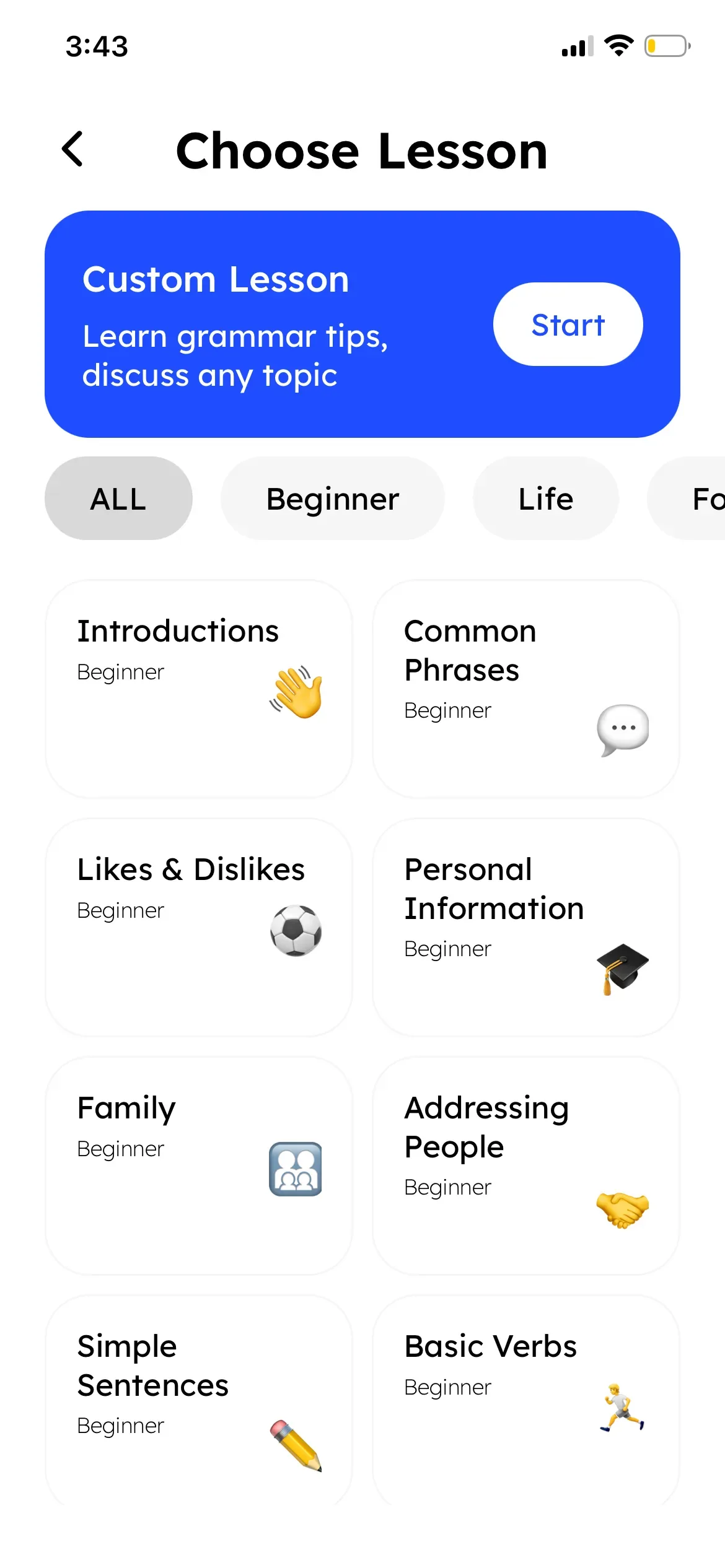
Once you download the Pingo AI app, the first step is choosing your language—in my case, Italian—and your current skill level. From there, you can pick from over 200 conversation scenarios, or even create your own.
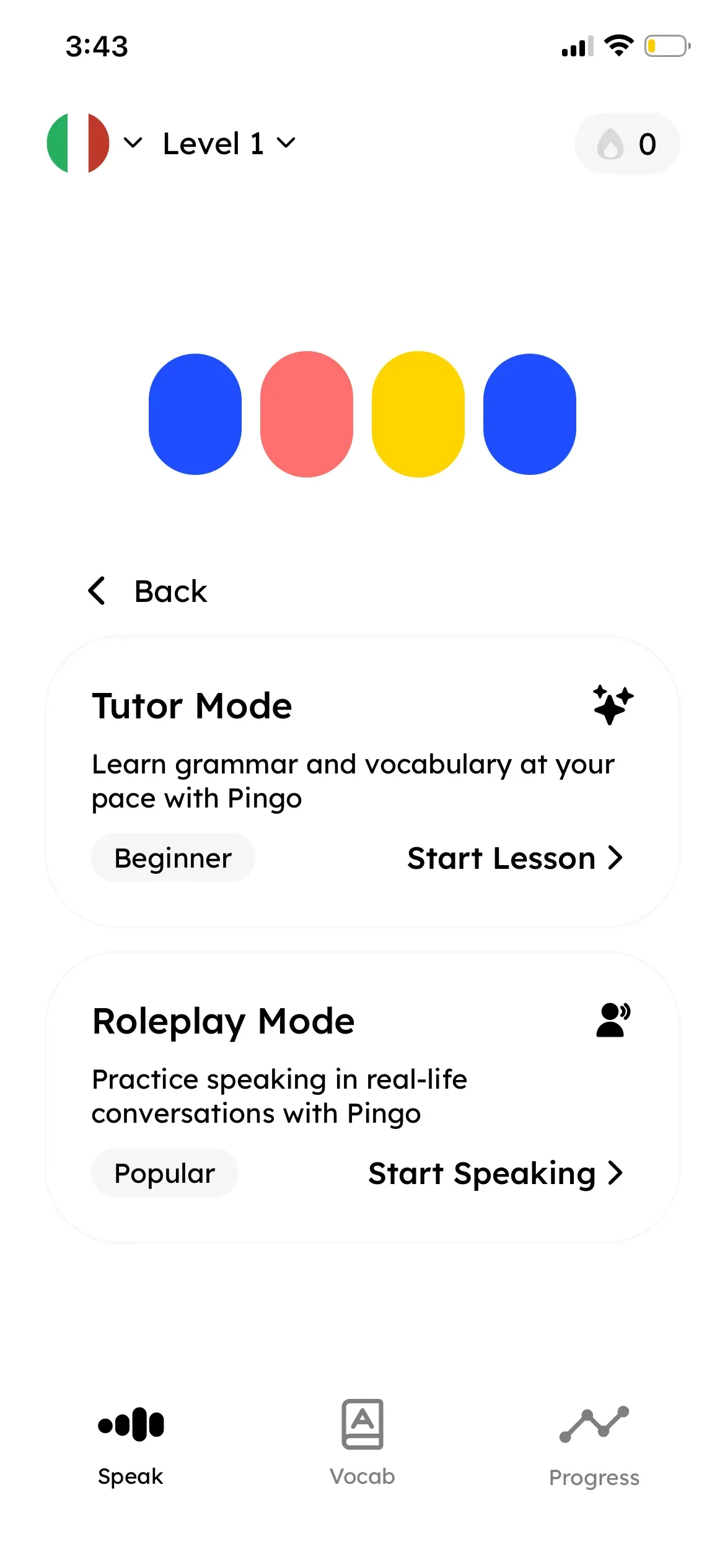
The app gives you two main modes: Tutor Mode and Roleplay Mode. I tried both. Tutor Mode is great for beginners: it walks you through introductions, basic phrases, and pronunciation in guided dialogues. Once I felt more comfortable, I switched to Roleplay Mode, which simulates real conversations. For example, I practiced ordering food and booking a hotel room, all in Italian.
How Conversations Work
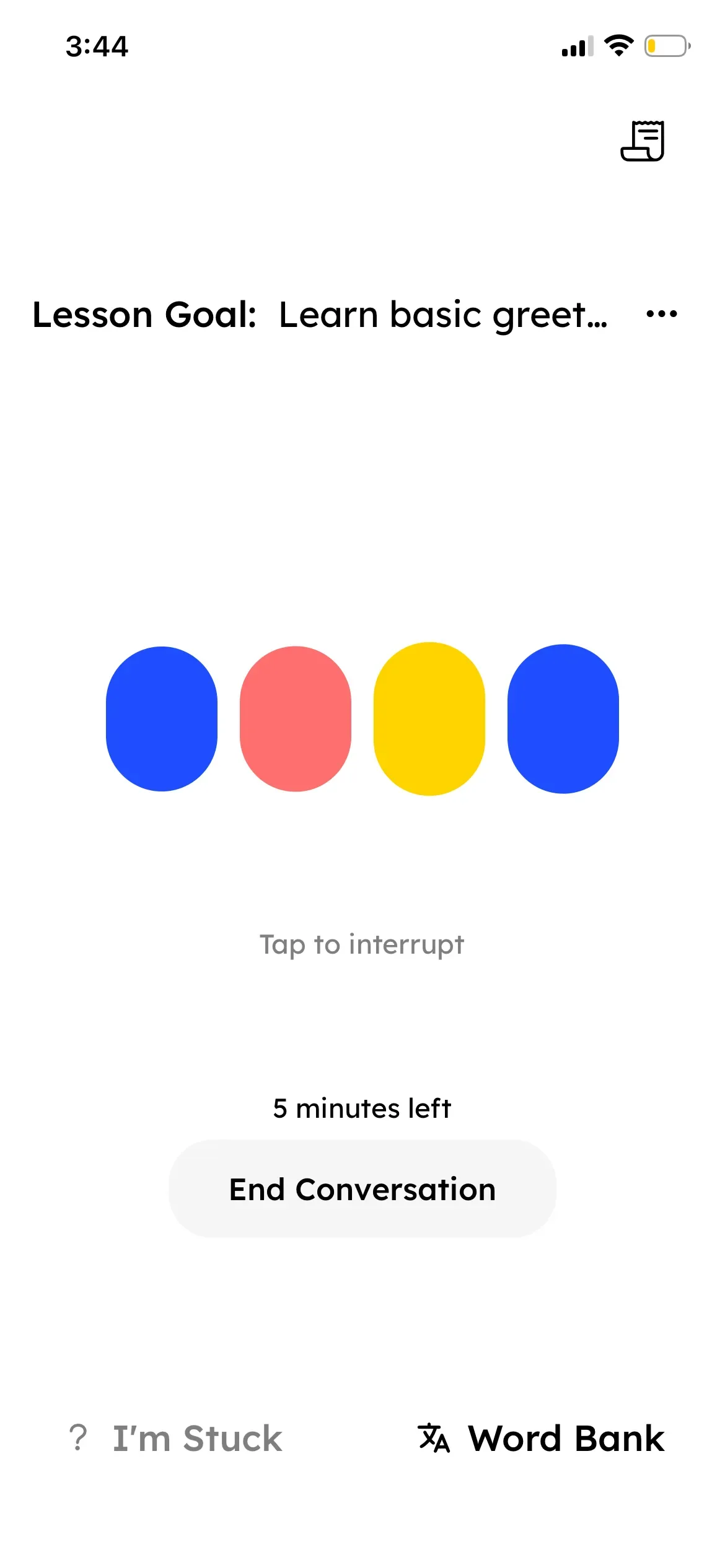
When you start a roleplay, the app assigns you a role—for example, "Person A"—and the AI takes the other side. It feels almost like talking to a native speaker. You actually speak out loud, and the AI responds naturally, adapting to your pace and level.
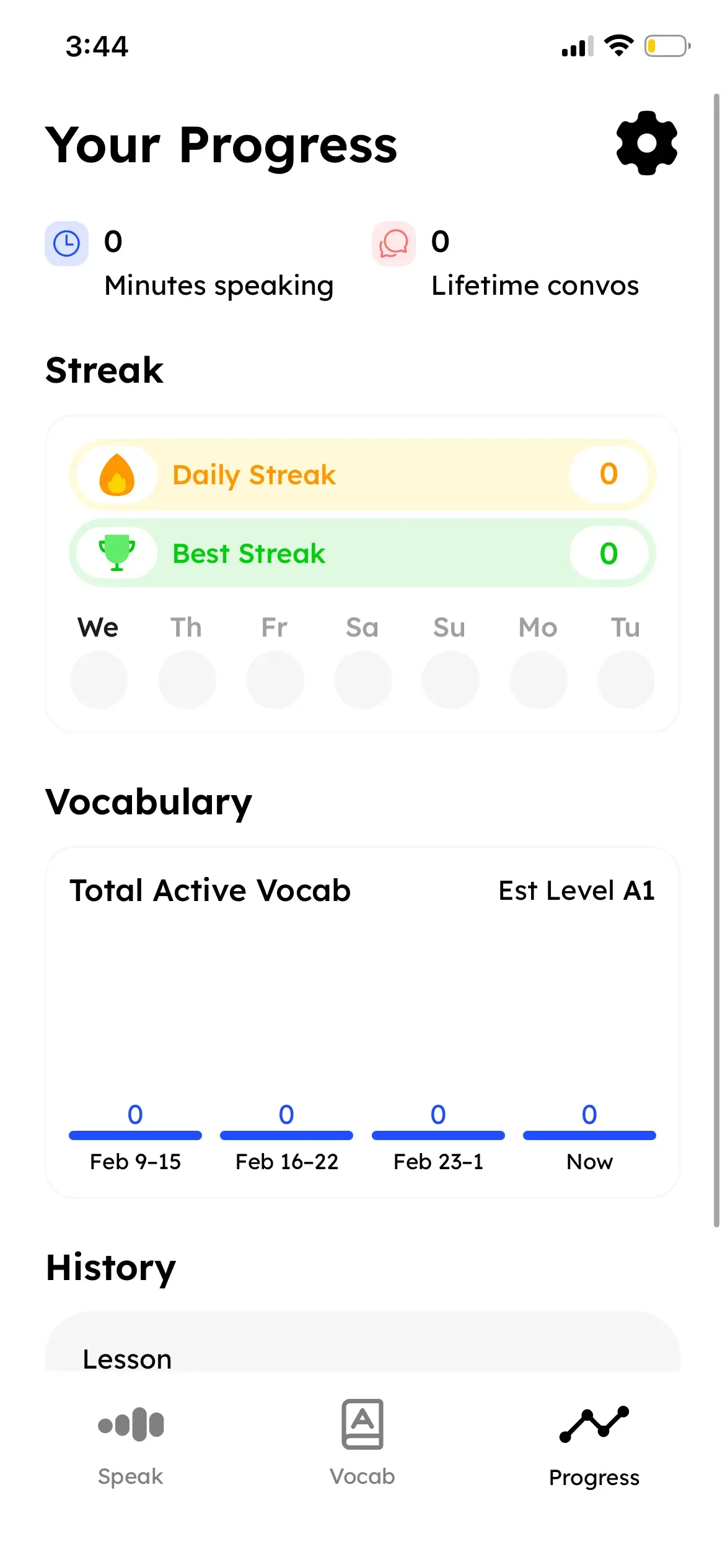
After each conversation, Pingo gives feedback on your grammar, vocabulary, fluency, and even how well you kept the conversation going. There's also a transcript of what you said, and you can save words to your personal vocabulary list for later review. That part really helped me notice my weak spots.
Pros
I found Pingo AI really useful for practicing Italian speaking in a low-pressure way. It feels immersive and helps you get comfortable speaking out loud, which is something many other apps overlook. I also liked being able to repeat lines, slow down the AI, or request corrections—it gave me more control over the learning process.
Cons
That said, there are a couple of drawbacks. The free trial is very limited—I was only able to try one short conversation before needing to subscribe. And I heard some users also mention that the app can lag or disconnect in the middle of a lesson, which can be frustrating. And while the feedback is helpful, I noticed it sometimes highlights only one mistake instead of giving detailed corrections.
Final Thoughts
Overall, Pingo AI is a creative way to practice Italian through real-life conversations with an AI tutor. It's available anytime, it adapts to your level, and it definitely helps you build confidence in speaking. Still, the limited free access and subscription cost may be a barrier for some learners.