
VocApp
VocApp Italian Review
Apr 4, 2026 · 18 features · 9 languages · iOS, Android, Web
- VocApp scores 7.5/10; strongest area: User experience, weakest area: Pricing.
- Best suited for: Learners focused on building vocabulary through flashcards and repetition.
- Main upside: Strong spaced repetition system; main tradeoff: Focus limited to vocabulary learning.
Score
Course quality
70/100User experience
80/100Pricing
70/100
- Good for vocabulary memorization Easy to use daily Limited speaking practice Some confusing definitions Helpful for quick study sessions
Pros
- Strong spaced repetition system
- Multisensory flashcards (audio, images, text)
- Easy custom flashcard creation
- Smart vocabulary extraction tools
- Cross-device accessibility
Cons
- Focus limited to vocabulary learning
- Smart creator works best with English
- Some definitions lack clarity
- Pricing structure can be confusing
- Limited speaking practice
At a glance
- Made by
- VocApp / Fiszkoteka (Poland)
- Concept
- Flashcard app using spaced repetition and multisensory learning.
- Platforms
- iOS, Android, Web
- Levels
- (A1) Beginner, (A2) Elementary, (B1) Intermediate, (B2) Upper-intermediate
- Languages taught
- Italian, English, Spanish, French, German, Russian, Catalan, Latvian, Galician
- Best suited for
- Learners focused on building vocabulary through flashcards and repetition.
Pricing
- Monthly
- 19.00US$
- Yearly
- 49.00$
Free trial: Available; No credit card needed; 0 days
Refunds: Available; 30 days
Feature checks
Spaced repetition
85/100Customization
85/100Focus on learning
80/100Personalization
65/100Sentence accuracy
65/100Sentence relevance
65/100Variety and depth
70/100Audio quality
75/100Speaker's quality
70/100Speaking practice
40/100Ease of use
85/100Interface and design
80/100Performance
80/100Grammar notes
User-generated courses
Offline access
Learning path
Speech recognition
Conclusion
Use it consistently for vocabulary review and create your own flashcards from real Italian content.
Alternatives
SpeakTwice is the only app that gets your to speak Italian all the time. It comes with hundreds of grammar lessons and readings to listen and repeat, plus an AI tutor to review the courses and practice conversation. See the full review.
FAQ
Is VocApp good for beginners?
Can I create my own flashcards?
Does VocApp teach speaking?
Is VocApp free?
Can I use it offline?
Compare VocApp with other Italian learning apps
See the published side-by-side comparisons that include VocApp for Italian learners, or browse the full comparison hub.
Walkthrough
Intro
Hey! In today’s video I want to share my experience trying out VocApp, a flashcard platform that focuses on spaced repetition and multisensory learning. If you’re exploring tools to learn Italian vocabulary, you’ve probably come across apps like this one — so I wanted to give it a try myself and see how it actually works.
What VocApp Is
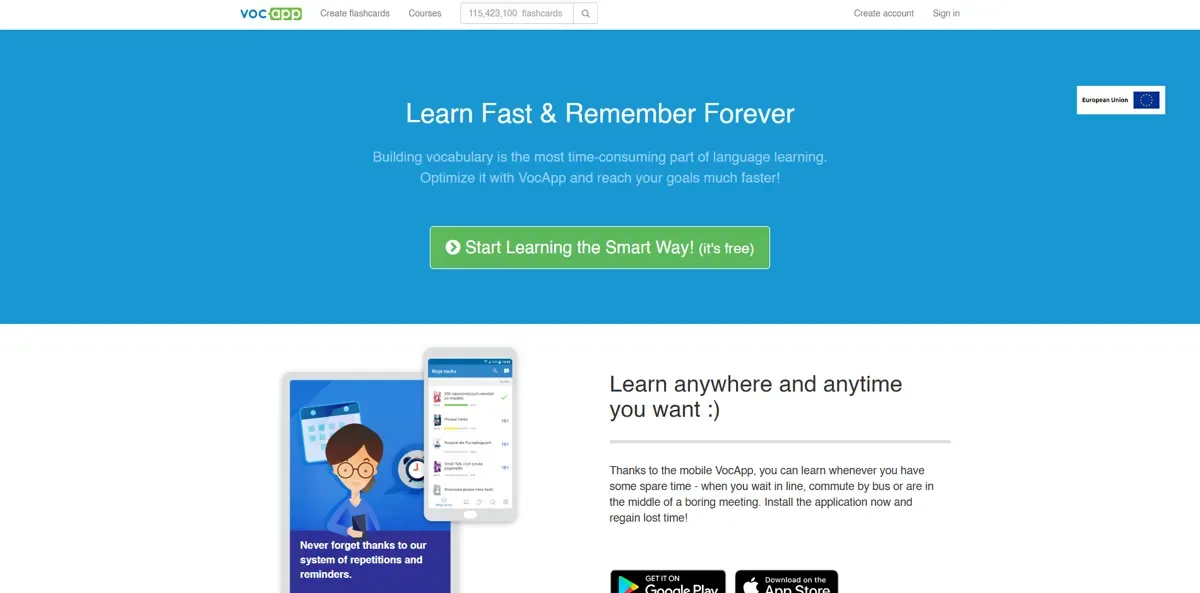
So VocApp is basically a flashcard app that uses spaced repetition — meaning you review words at the exact moment you’re most likely to forget them. It originally started in Poland, but now they offer courses in a bunch of languages, including Italian, which is the one I focused on.
My Experience With the Courses
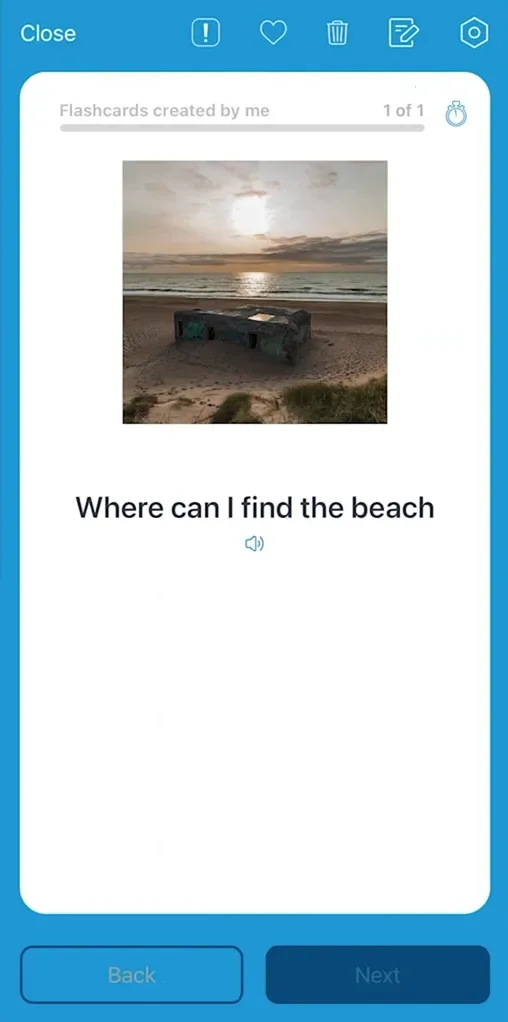
The first thing I noticed is that there are a lot of pre-built flashcard sets. For Italian, I could jump into curated vocabulary decks, themed sets, and some course-style lists. Everything is laid out as flashcards with the word, audio, images, and sometimes little grammar notes.
I liked that everything felt quick and lightweight — I could just open the app and start reviewing without much setup.
Learning Modes
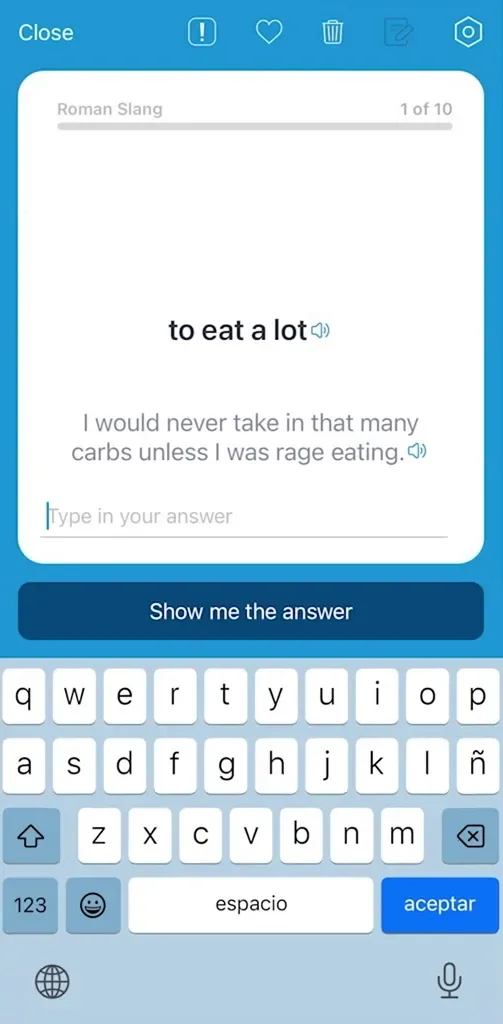
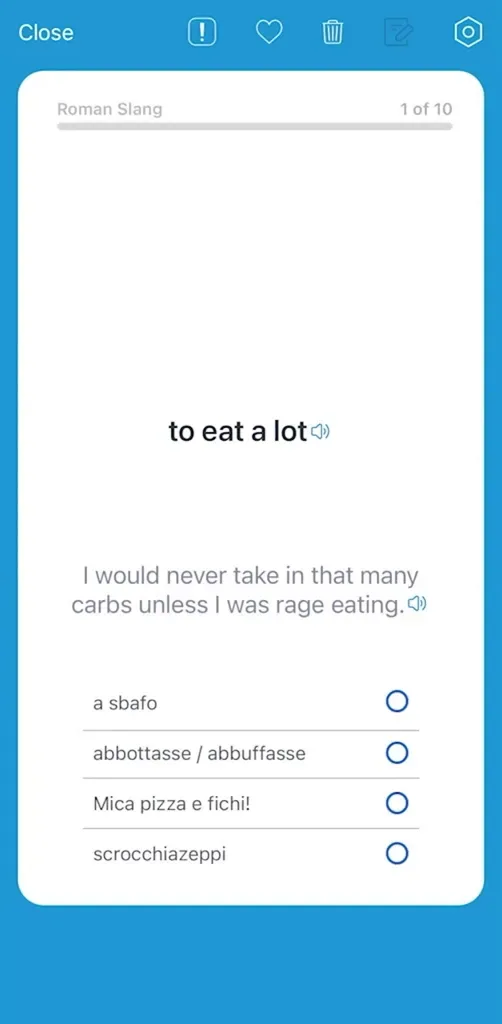
They give you different learning modes, so I could switch between:
-
The classic flip-flashcard view
-
Multiple choice
-
Typing the word
-
Or just browsing through them
Since I was focusing on Italian, I mostly used the flashcards and the typing mode. Having the audio on every card was helpful, especially when practicing pronunciation on the go.
Creating My Own Cards
One thing I really enjoyed was creating my own flashcards. I tried adding new Italian words I found while reading, and the app automatically pulled translations and even images.
They also have a “smart creator” where you can paste text, or even take a photo of text, and it extracts vocabulary. For Italian, it worked best when pasting text directly — the photo option seemed to work better with English sources, but it was still fun to experiment with.
Habit-Building Features
They also include reminders, daily goals, and streak tracking. I personally like apps that help me build consistency without being too pushy, and VocApp stayed pretty light on the notifications, which I appreciated.
Overall Thoughts
Overall, using VocApp felt simple and straightforward. It’s very focused on vocabulary, so if your goal is specifically to expand your Italian vocab, this kind of tool fits well. The interface is clean, the spaced repetition scheduling works smoothly, and creating your own cards is probably the part I enjoyed the most.
It’s not a full Italian learning platform — it’s mainly for words — but for what it’s designed to do, it works.