
Wlingua
Wlingua Italian Review
Apr 4, 2026 · 18 features · 6 languages · iOS, Android, Web
- Wlingua scores 6.8/10; strongest area: Course quality, weakest area: Pricing.
- Best suited for: Beginners who want structured Italian lessons and vocabulary practice.
- Main upside: Clear structured lessons; main tradeoff: Limited free version.
Score
Course quality
70/100User experience
68/100Pricing
65/100
- Easy to use and structured Good for beginners Too much locked behind premium Audio quality feels artificial App bugs after updates
Pros
- Clear structured lessons
- Good vocabulary repetition
- Beginner-friendly format
- Everyday useful topics
- Available anytime
Cons
- Limited free version
- Robotic audio in parts
- No personalization
- Weak speaking practice
- Occasional technical issues
At a glance
- Made by
- Wlingua
- Concept
- Structured language app with short lessons and spaced repetition.
- Platforms
- iOS, Android, Web
- Levels
- (A1) Beginner, (A2) Elementary, (B1) Intermediate
- Languages taught
- Italian, English, Spanish, French, German, Russian
- Best suited for
- Beginners who want structured Italian lessons and vocabulary practice.
Pricing
- Monthly
- 12.99US$
- Yearly
- 84.99$
Free trial: Available; Credit card needed; 7 days
Refunds: Available; 14 days
Feature checks
Spaced repetition
85/100Customization
40/100Focus on learning
80/100Personalization
30/100Sentence accuracy
75/100Sentence relevance
75/100Variety and depth
65/100Audio quality
65/100Speaker's quality
65/100Speaking practice
40/100Ease of use
85/100Interface and design
70/100Performance
60/100Grammar notes
Learning path
Offline access
Speech recognition
User-generated courses
Conclusion
Use it daily for structured practice, repeat lessons often, and combine it with speaking practice or immersion tools.
Alternatives
SpeakTwice is the only app that gets your to speak Italian all the time. It comes with hundreds of grammar lessons and readings to listen and repeat, plus an AI tutor to review the courses and practice conversation. See the full review.
FAQ
Is Wlingua good for beginners?
Can I learn Italian fluently with Wlingua?
Does Wlingua have a free version?
Does Wlingua include speaking practice?
Is Wlingua worth paying for?
Compare Wlingua with other Italian learning apps
See the published side-by-side comparisons that include Wlingua for Italian learners, or browse the full comparison hub.
Walkthrough
Intro
Hi everyone! In today’s video I’m taking a look at Wlingua, a language-learning app that many people use to study Italian. I’ve been trying it out myself, and I want to share what I found — how it works, what stood out to me, and what you can realistically expect from it.
Let’s get started.
Setup – How It Works
When I first opened Wlingua, I noticed that everything is organized into short, step-by-step lessons. Each lesson shows how many new Italian words I’ll learn and what grammar point it focuses on. Then I go through a series of small exercises — matching options, selecting the correct word, arranging letters — very simple at the beginning, but the difficulty increases gradually as I move forward.
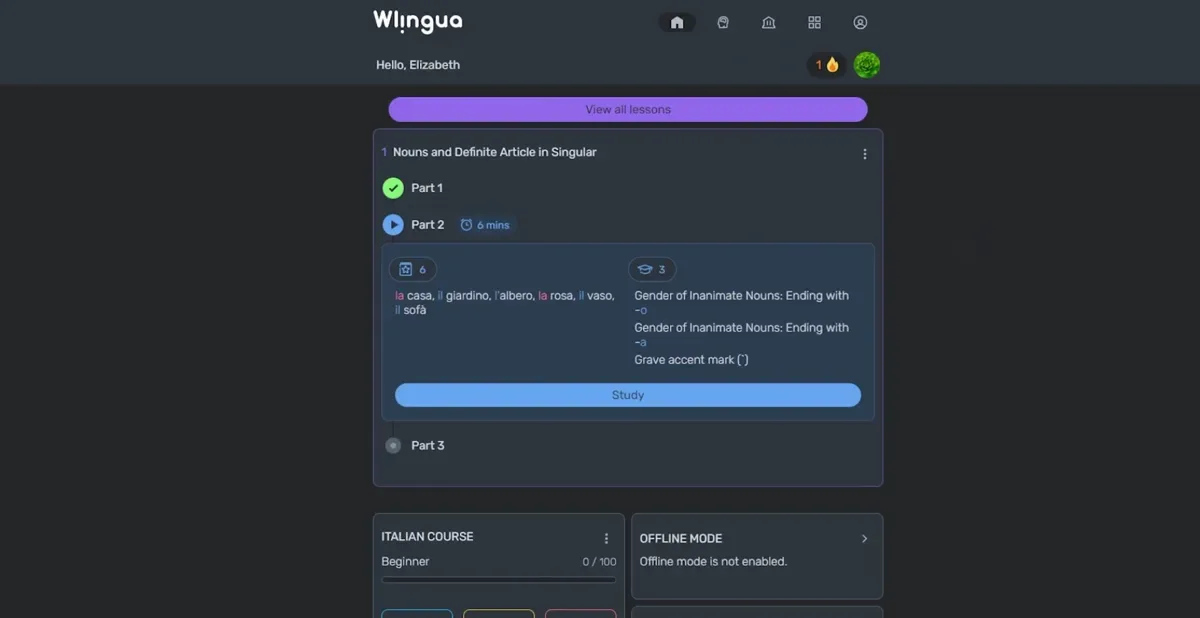
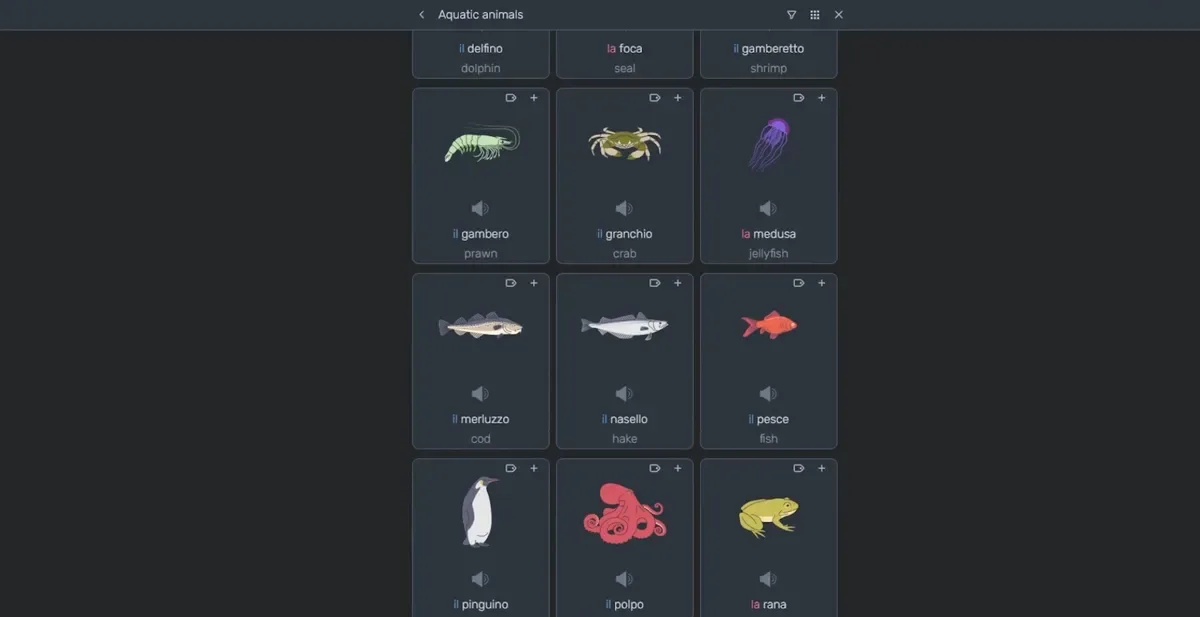
After completing several exercises, the app unlocks a larger “review lesson” that mixes vocabulary and topics to reinforce what I learned. There’s also a vocabulary list where I can check translations quickly when I forget something.
The app places a big emphasis on audio. They mention that recordings come from native speakers, but some conversations definitely sound computer-generated, so the audio quality can feel inconsistent.
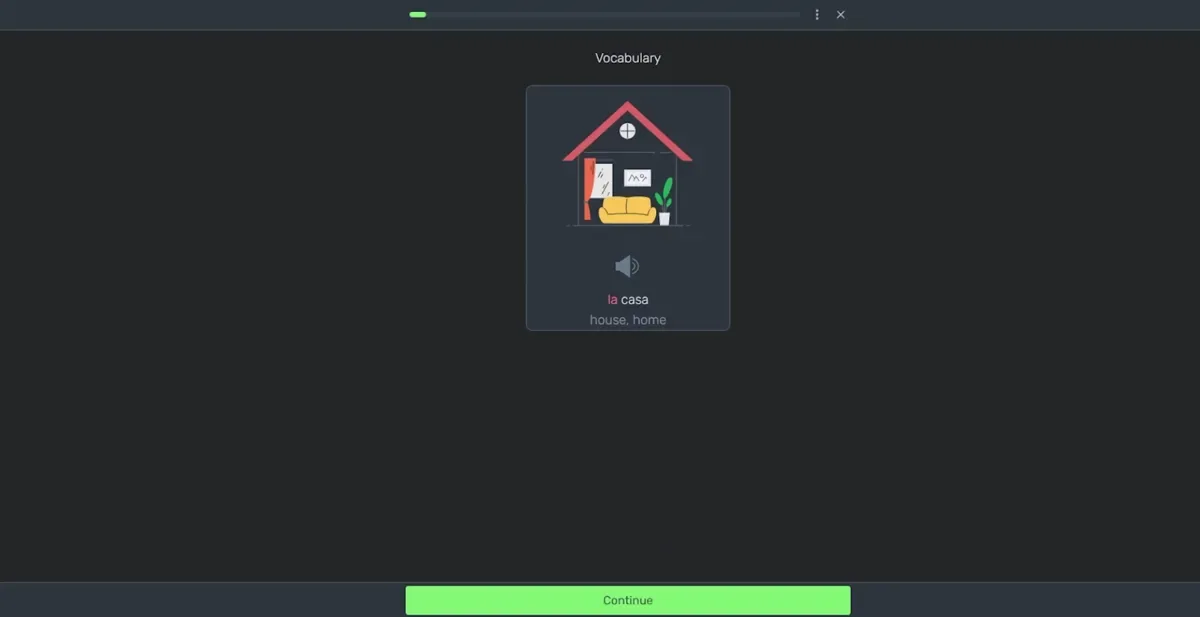
In terms of content, Wlingua covers everyday themes — describing people, food, common expressions — the basics you usually need when starting Italian. Since lessons are available anytime, it’s easy to come back whenever I have a free moment. The spaced repetition also makes certain grammar points and vocabulary appear again and again.
Overall Thoughts – Pros & Cons I Noticed
Wlingua can be helpful if you’re starting Italian from zero. The lessons are simple, predictable, and easy to follow. The structure is very clear, and the constant practice helps reinforce what you learn.
However, as I was using it, a few limitations stood out.
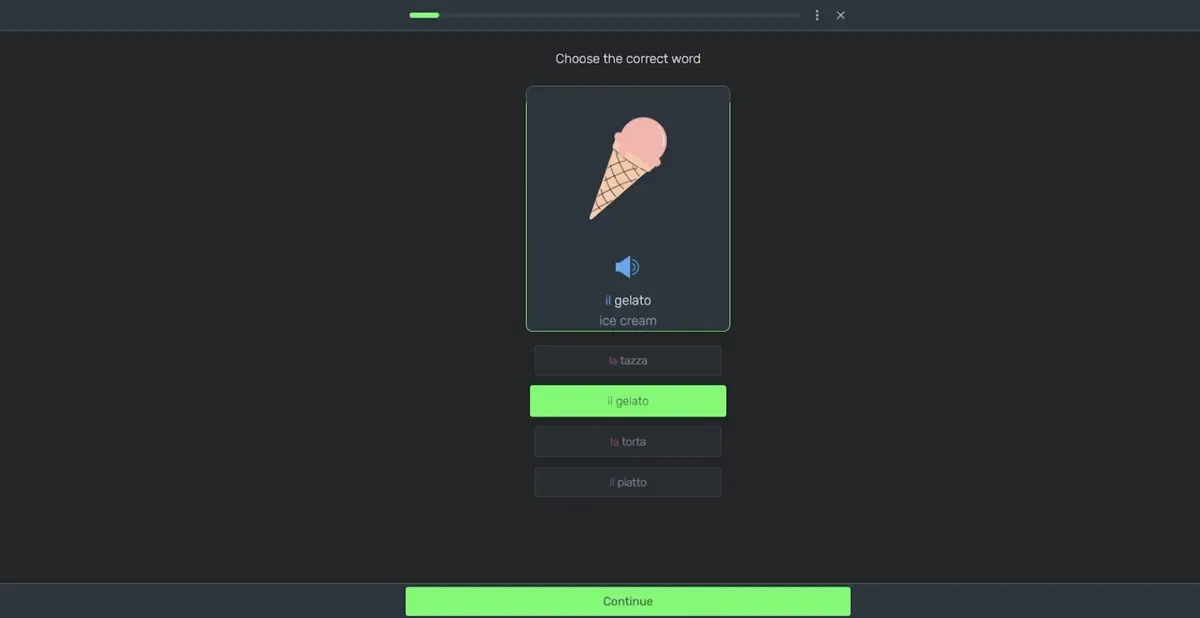
The lessons feel a bit rigid and don’t adapt much to my level or progress. Everything is pre-programmed, so there’s no real personalization. Some users online also report issues with updates, login errors, or payment problems, which can be frustrating.
User experiences seem mixed overall. Some people appreciate the daily practice, the vocabulary reviews, and the small activities. Others mention that more and more exercises are locked behind the Premium plan, or that the app becomes buggy after certain updates. And in some reading exercises, when I got something wrong, there wasn’t always a clear explanation of why, which made things harder to understand.
So, in general, Wlingua works well as a beginner-friendly tool that gives you vocabulary, basic grammar, and regular repetition. But if you’re looking for personalization, fully natural audio, or deeper speaking practice, it might feel limited.
Outro
If you’re considering Wlingua, it can be a helpful complement — especially if you like structured, bite-sized lessons.